Vanishot
Screenshots that clean up after themselves.
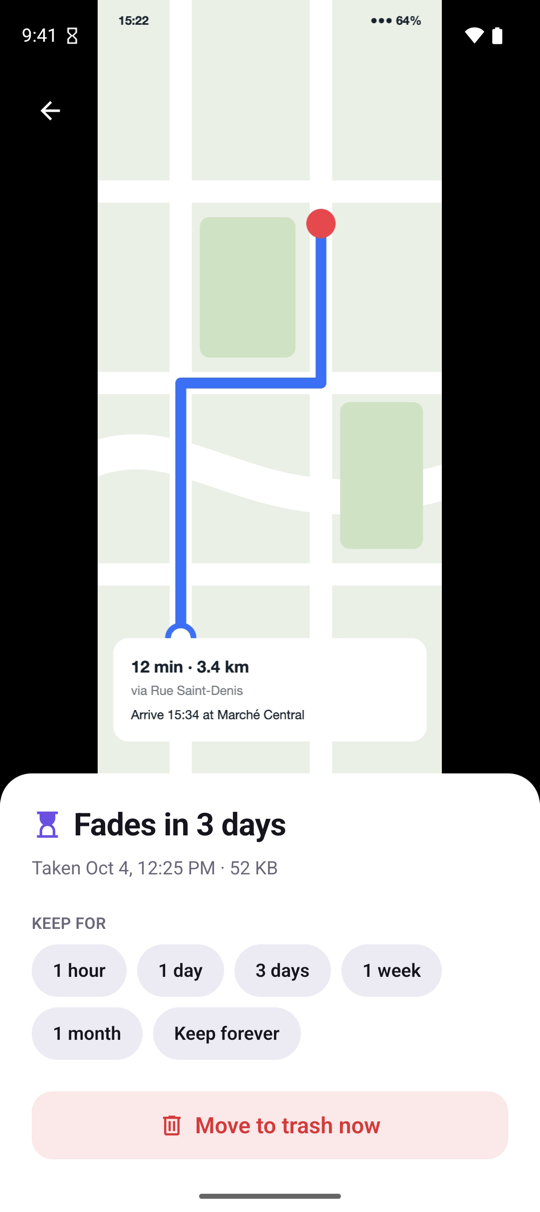
Choose how long to keep each screenshot. Old ones fade away to the trash.
APK · 83 MB · version 1.0.0
How it works
Three steps. Then you forget about it.
- 1
Take a screenshot
Like you always do. Vanishot notices it right away.
- 2
Pick a lifetime
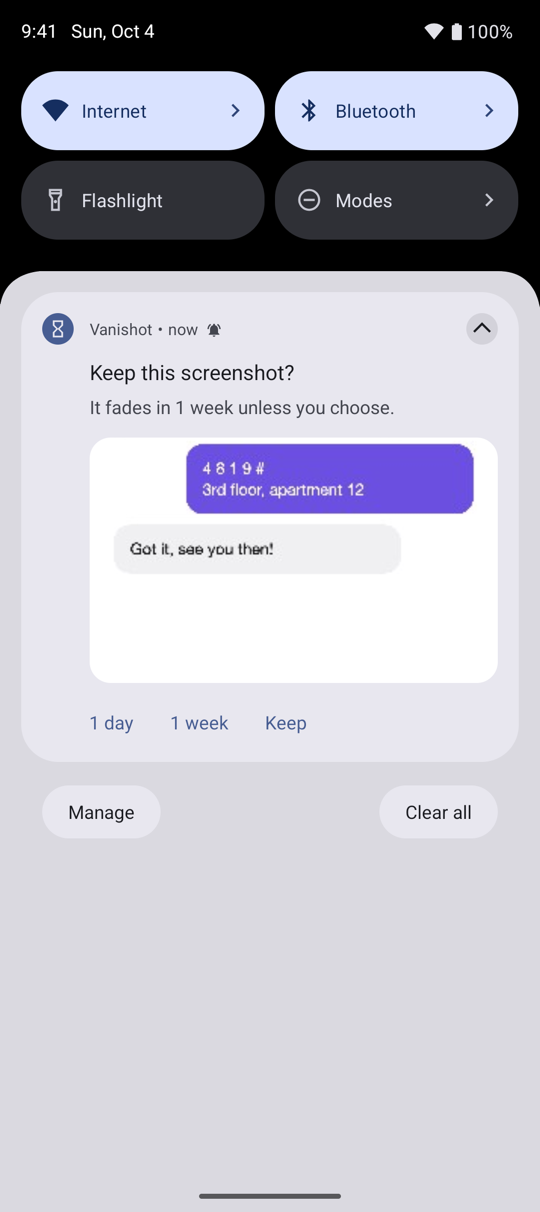
Choose 1 day, 1 week or keep, straight from the notification. No need to open the app.
- 3
Let it fade
Ignored screenshots fade after 2 months (or the time you choose) into your phone's trash, where you can still recover them for 30 days.
Features
Built to stay out of your way
Decide in one tap
A quiet notification asks how long to keep each screenshot. No pop-ups, no interruptions.
Nothing is lost
Expired screenshots go to the system trash. Changed your mind? Restore them within 30 days.
Catch up with a swipe
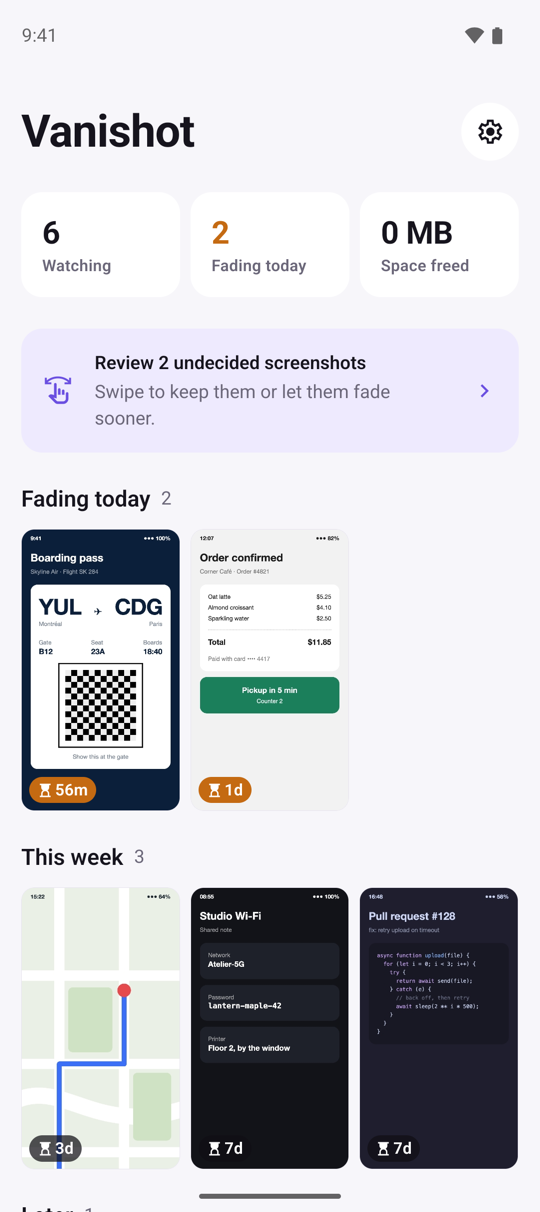
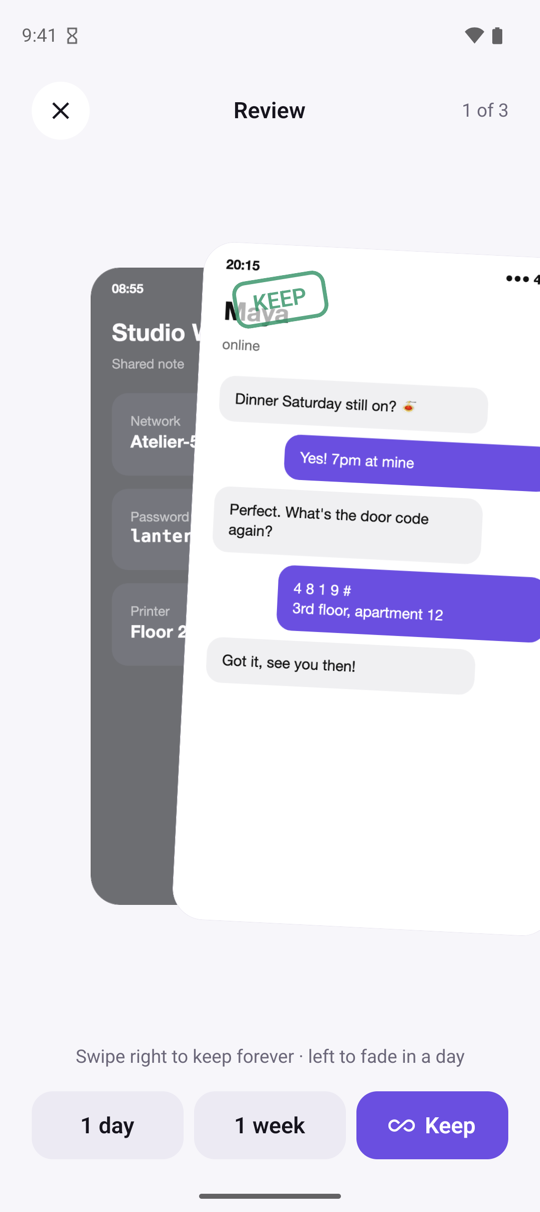
Review a backlog in seconds: swipe right to keep, left to let it fade tomorrow.
See what you've freed
Simple stats show how many screenshots you've cleared and how much space you got back.
Private by design
Everything runs on your device. No account, no ads, no trackers. Your images never leave your phone.
Download
Install Vanishot on Android
The Google Play listing is on its way. Until then, install the app directly on your phone:
- 1Download Vanishot.apk on your Android phone.
- 2Open the file. If asked, allow your browser to install unknown apps.
- 3Open Vanishot and choose how long screenshots should stay.
APK · 83 MB · version 1.0.0 · Requires Android 11 or newer.
SHA-256: d0c09af0bb7b7adc02e9d4c357aa5879f052c9c4ebbc0b079f7bd5e8348c381e
On iPhone? Vanishot is coming to the App Store.
Platforms
Android first, iPhone too
Android
FirstThe full automatic flow, exactly as described above.
- New screenshots are detected instantly
- Choose a lifetime from the notification
- Expired screenshots move to the trash on their own
iPhone
AdaptedThe same idea, adjusted to what iOS allows.
- Gathers new screenshots when you open the app
- Reminds you when screenshots are about to fade
- Moves them to Recently Deleted with a single confirmation
Apple doesn't allow apps to detect screenshots in the background, so the iPhone version works when you open it.